

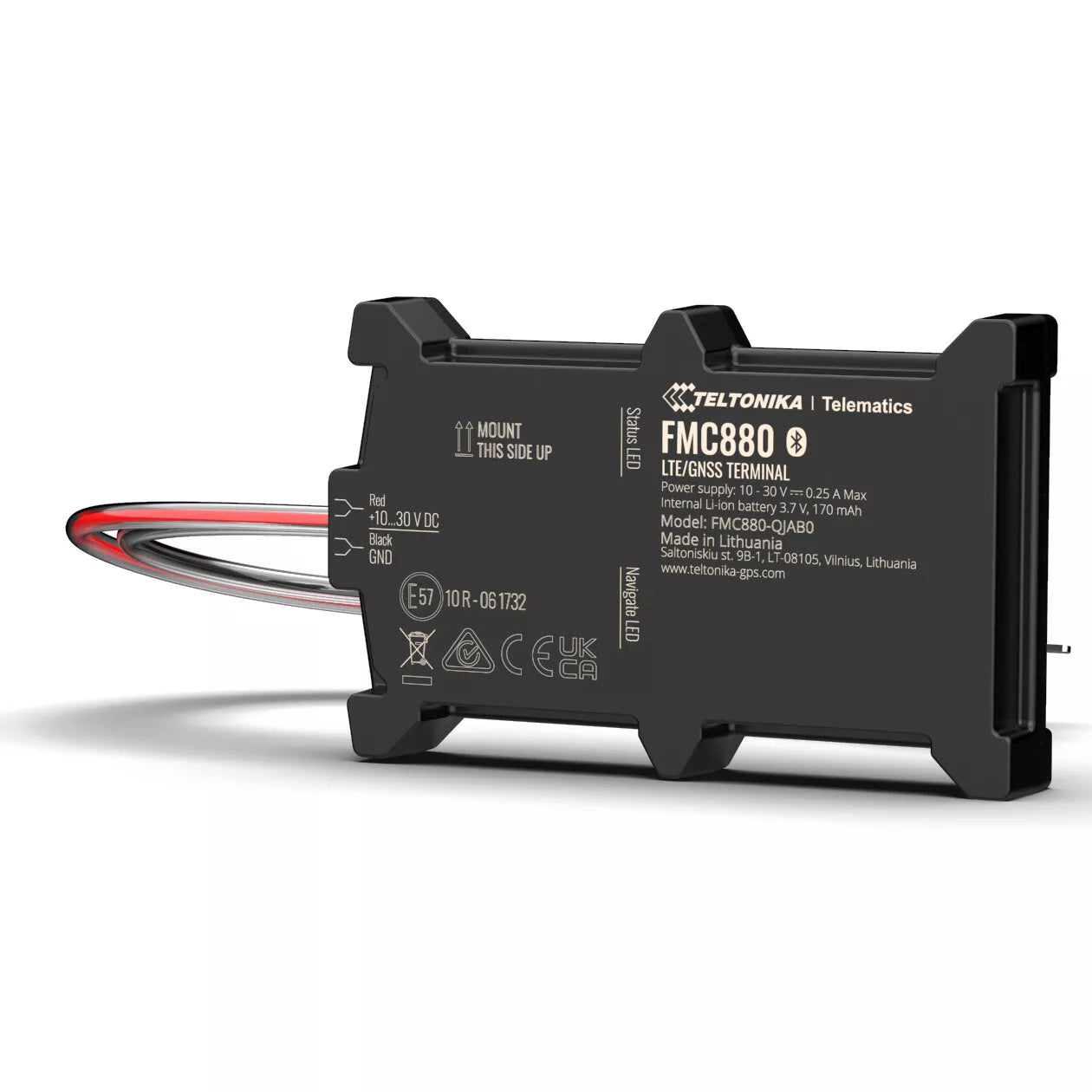
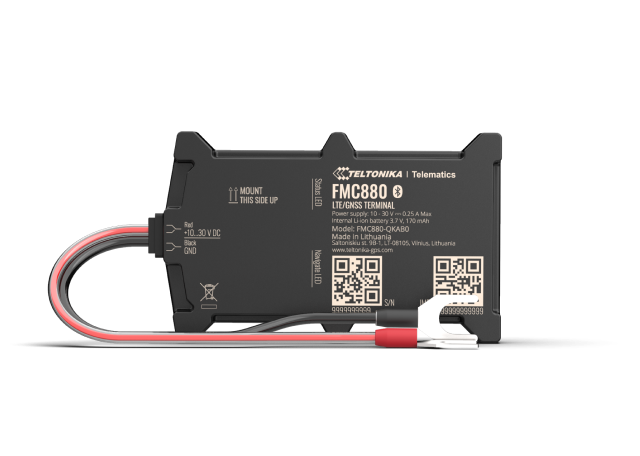


FMC880 4G
Simple self install Tracker
- 💸 Lower operating costs
- 🛡️ Enhanced vehicle security
- 🛠️ Automated maintenance alerts
- 🚚 Accurate delivery tracking
1-year warranty
The first subscription is already included in the price
Simple self install Tracker
CHARACTERISTICS
CHARACTERISTICS
- 4G LTE connectivity for fast, reliable real-time tracking
- Live location updates with detailed trip history
- Instant alerts: speeding, harsh driving, tamper, geofence entry/exit
- Geofencing to secure zones and after-hours monitoring
- Easy install (12–24V), compact design, low power consumption
- Built-in backup battery for power-loss alerts and continuity
- Secure mobile and web apps with multi-user access
- Data encryption and GDPR-compliant cloud storage
- Compatible with cars, vans, light trucks, and micro-fleets
- API-ready for integrating GPS data into business systems
- One-year hardware warranty and dedicated support
- 4G LTE connectivity for fast, reliable real-time tracking
- Live location updates with detailed trip history
- Instant alerts: speeding, harsh driving, tamper, geofence entry/exit
- Geofencing to secure zones and after-hours monitoring
- Easy install (12–24V), compact design, low power consumption
- Built-in backup battery for power-loss alerts and continuity
- Secure mobile and web apps with multi-user access
- Data encryption and GDPR-compliant cloud storage
- Compatible with cars, vans, light trucks, and micro-fleets
- API-ready for integrating GPS data into business systems
- One-year hardware warranty and dedicated support


How to install the GS900 tracker ?
It's really simple !
1. Park safely and power off
Park on level ground, turn ignition off, and open the bonnet. Identify the vehicle battery (12–24V).
2. Plan the device location
Mount the GS900 inside the cabin/engine bay away from heat, moving parts, and heavy metal obstructions. Keep label side facing up; avoid water exposure.
3. Connect the red wire (positive)
- Loosen the battery’s positive (+) terminal nut.
- Place the fork terminal of the red lead under the nut and retighten firmly.
- Ensure the inline fuse holder is closed and secure.
4. Connect the black wire (negative)
- Loosen the battery’s negative (–) terminal nut.
- Attach the black lead fork terminal and retighten firmly.
5. Secure the tracker and cables
- Fix the GS900 with adhesive pad or cable ties so it cannot rattle.
- Neatly tie excess cable; keep wires clear of hot/sharp/moving parts.
6. Power test
Turn ignition on for 1–2 minutes. The device LEDs (if present) should indicate power and network search. Then turn ignition off.
7. Activate in the Transpoco app
- Open the Transpoco app/web, add device by IMEI/QR, name the vehicle, and set timezone.
- Verify live location and first position fix on the map.
8. Set essential alerts
Create geofence for your home/yard, enable after-hours and power disconnect alerts, and set speeding threshold.
9. Final check and close-up
- Confirm cables are tight, fuse holder closed, and tracker secured.
- Close the bonnet. Take a short drive to confirm trip recording.
Notes
- Typical install time: 10–15 minutes.
- Works with cars, vans, light trucks (12–24V).
- If you’re unsure, a local auto electrician can install in minutes.
How to install the GS900 tracker ?
How to install the GS900 tracker ?
It's really simple !
1. Park safely and power off
Park on level ground, turn ignition off, and open the bonnet. Identify the vehicle battery (12–24V).
2. Plan the device location
Mount the GS900 inside the cabin/engine bay away from heat, moving parts, and heavy metal obstructions. Keep label side facing up; avoid water exposure.
3. Connect the red wire (positive)
- Loosen the battery’s positive (+) terminal nut.
- Place the fork terminal of the red lead under the nut and retighten firmly.
- Ensure the inline fuse holder is closed and secure.
4. Connect the black wire (negative)
- Loosen the battery’s negative (–) terminal nut.
- Attach the black lead fork terminal and retighten firmly.
5. Secure the tracker and cables
- Fix the GS900 with adhesive pad or cable ties so it cannot rattle.
- Neatly tie excess cable; keep wires clear of hot/sharp/moving parts.
6. Power test
Turn ignition on for 1–2 minutes. The device LEDs (if present) should indicate power and network search. Then turn ignition off.
7. Activate in the Transpoco app
- Open the Transpoco app/web, add device by IMEI/QR, name the vehicle, and set timezone.
- Verify live location and first position fix on the map.
8. Set essential alerts
Create geofence for your home/yard, enable after-hours and power disconnect alerts, and set speeding threshold.
9. Final check and close-up
- Confirm cables are tight, fuse holder closed, and tracker secured.
- Close the bonnet. Take a short drive to confirm trip recording.
Notes
- Typical install time: 10–15 minutes.
- Works with cars, vans, light trucks (12–24V).
- If you’re unsure, a local auto electrician can install in minutes.
Does it work in my country and on 4G?
State 4G bands/coverage regions (UK/IE/FR/EU/US/CA as applicable) and 2G fallback if supported.
Does it work in my country and on 4G?
Does it work in my country and on 4G?
State 4G bands/coverage regions (UK/IE/FR/EU/US/CA as applicable) and 2G fallback if supported.
Can I move the tracker to another vehicle?
Yes.Disconnect, reinstall in the new vehicle, and update the vehicle details in the app.
Can I move the tracker to another vehicle?
Can I move the tracker to another vehicle?
Yes.Disconnect, reinstall in the new vehicle, and update the vehicle details in the app.
What alerts and reports do I get?
Alerts:geofence entry/exit, after-hours movement, speeding, power disconnect/tamper. Reports: daily summary, journey history, mileage/trip playback.
What alerts and reports do I get?
What alerts and reports do I get?
Alerts:geofence entry/exit, after-hours movement, speeding, power disconnect/tamper. Reports: daily summary, journey history, mileage/trip playback.
What is the warranty and how do replacements work?
All Transpoco GPS trackers include a 1‑year hardware warranty. If your device is faulty, we’ll repair or replace it after basic troubleshooting. Contact support with your order/IMEI and a brief issue description for a fast turnaround.
What is the warranty and how do replacements work?
What is the warranty and how do replacements work?
All Transpoco GPS trackers include a 1‑year hardware warranty. If your device is faulty, we’ll repair or replace it after basic troubleshooting. Contact support with your order/IMEI and a brief issue description for a fast turnaround.
Precise Tracking. Enhanced Security. Simplified Management.
The FMC880 is a next-generation 4G GPS tracker designed specifically for small and medium-sized businesses managing up to 10 vehicles. Whether you operate service vans, delivery cars, or utility vehicles, this compact and powerful tracker gives you complete real-time visibility and control—anywhere, anytime.
Tailored for businesses looking to reduce costs, improve fleet security, and simplify vehicle management,

Live GPS Tracking with Full Trip History
Track every vehicle in real-time with pinpoint accuracy. Whether you're confirming delivery routes, monitoring staff efficiency or reviewing journey history, the FMC880 delivers:
- GPS/GLONASS location precision
- Real-time tracking & historical playback
- Geofencing alerts for location control
Essential for businesses in logistics, field service, construction, or local deliveries.

Lower Your Fleet Operating Costs
Turn mileage into insight. The FMC880 helps you identify inefficiencies and cut operational waste:
- Reduce fuel consumption
- Monitor idling and optimise routes
- Track driver behaviour and productivity
With real-time data, you can make smarter decisions—and see immediate ROI.

Anti-Theft Alerts and Live Monitoring
Vehicles are valuable assets. The FMC880 strengthens your fleet's security with:
- Instant alerts for unauthorised movement
- Notifications if the tracker is disconnected
- Full event logs for proof and response
Stay in control, respond fast—and protect what’s yours.


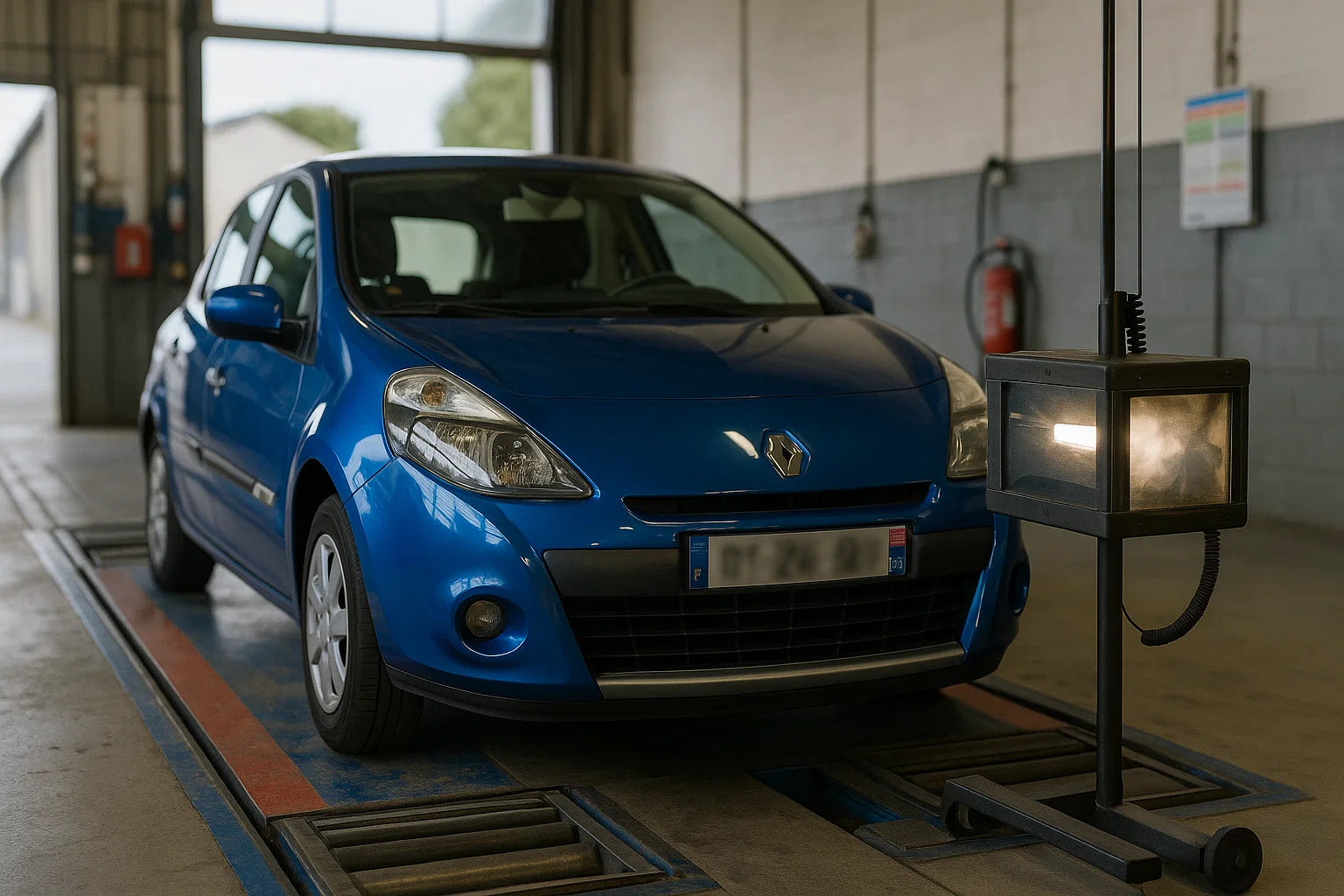
Automated Maintenance Reminders
Say goodbye to manual spreadsheets. The FMC880 automatically logs: Mileage and engine hours Custom alerts for servicing, MOT, or inspections Maintenance history tracking This helps prevent breakdowns, extend vehicle lifespan, and reduce repair costs.
Compliance-Ready Reporting
Be audit-ready at all times. The FMC880 offers exportable reports including: Detailed journey logs by driver or vehicle; Mileage summaries; Monthly breakdowns for accounting or tax claims and Simple, automated, and HMRC-friendly.
Certified Data Security & Compliance
Your data is protected with industry-standard certifications: End-to-end encryption ISO 9001, ISO 27001 & Cyber Essentials certified; Privacy-compliant and GDPR-ready and Peace of mind, for you and your clients..

Mobile App Integration.
Pair with Transpoco IQ, the intelligent fleet management platform, for:
- Multi-vehicle overview dashboard
- Alerts and analytics on desktop or mobile
- Remote access and user-friendly controls
Manage your fleet on the go—from your laptop, tablet, or phone.
Who is the FMC880 designed for ?
The FMC880 is ideal for micro-fleet managers with up to 10 vehicles: small and medium-sized businesses and logistics professionals who need reliable, real-time tracking of their vehicles and automated fleet management.
It is perfect for companies that operate cars, vans, trucks, or any other type of vehicle.
